Getting alerts on iPhone is easy once StellaPlus is added to your Home Screen.
Step 1
Open StellaPlus in your browser.
Step 2
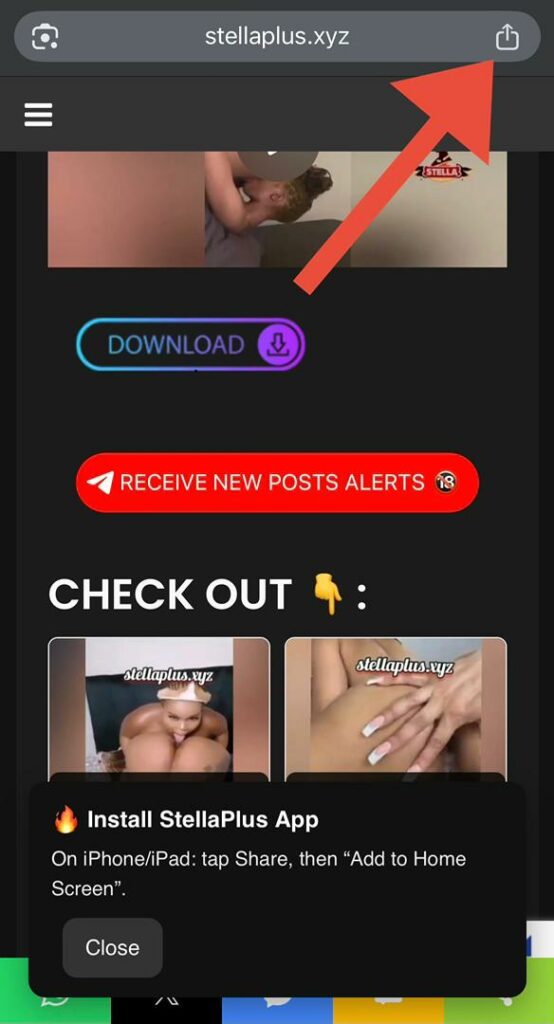
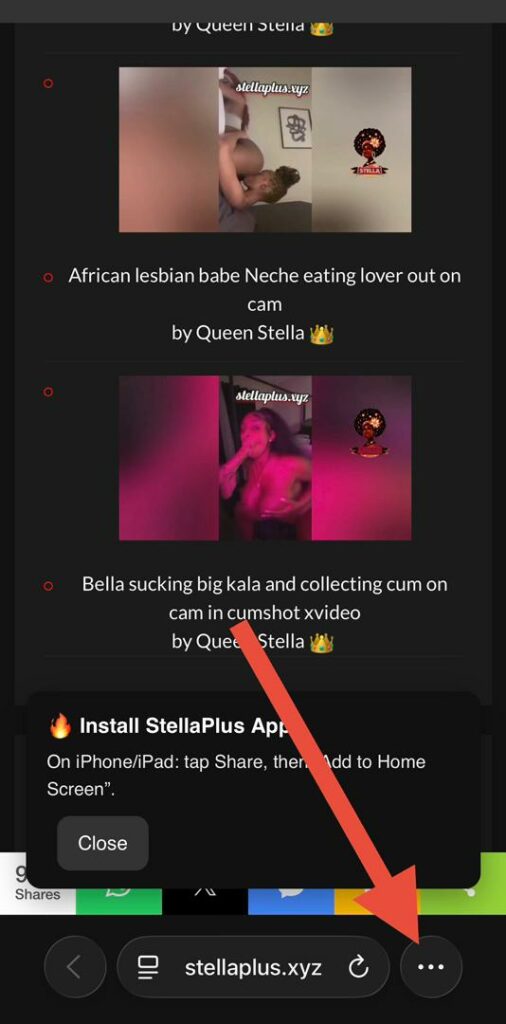
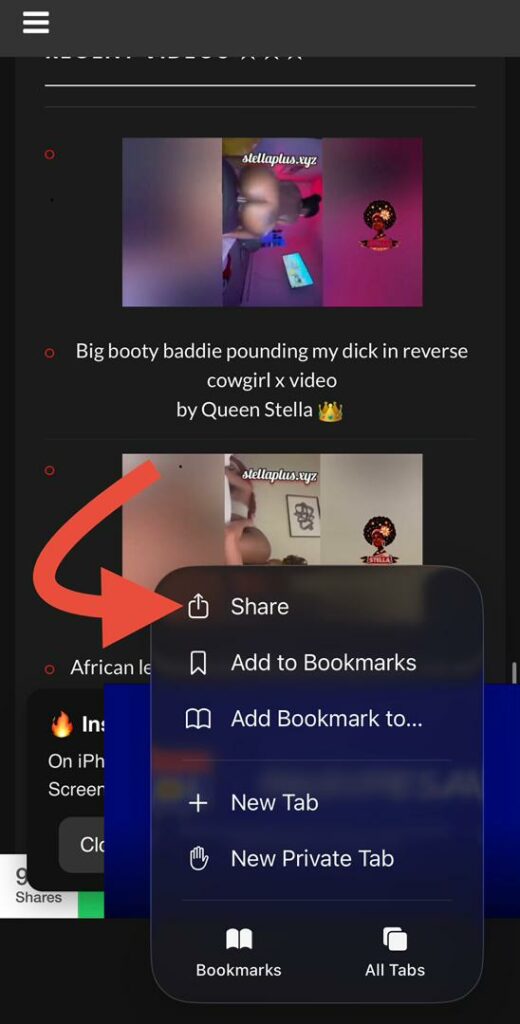
Tap the Share button.
Step 3
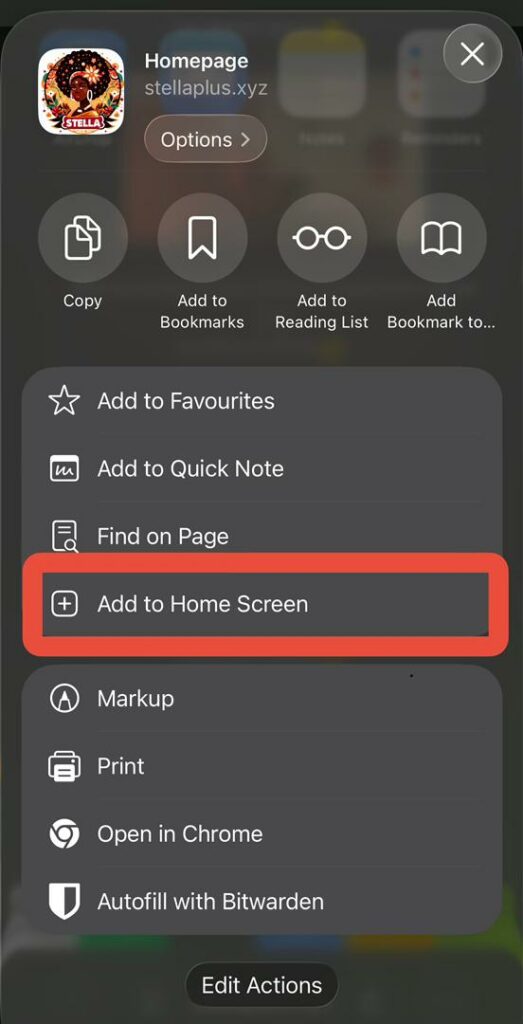
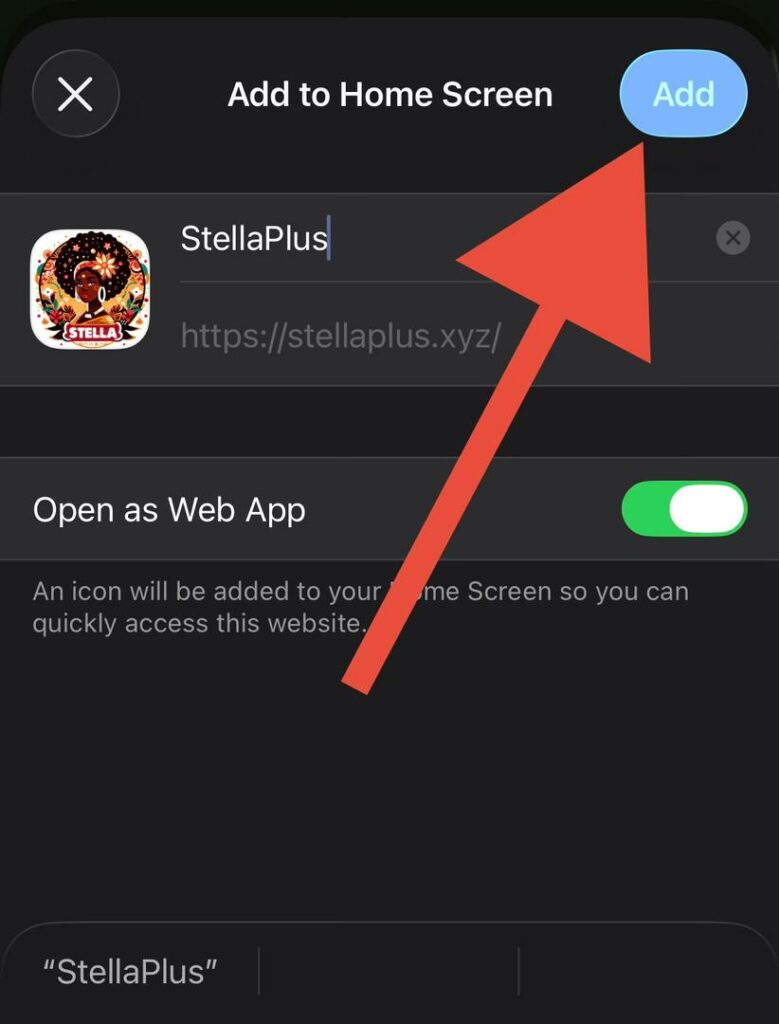
Look for ‘Add to Home Screen‘ and tap it.
Step 4
Tap Add.
Step 5
Open the new StellaPlus app icon from your Home Screen.
Step 6
Inside the app, tap Enable Notifications. And it’s All Set.
Quick note:
The steps may look a little different depending on your browser. If you don’t see Add to Home Screen, try opening StellaPlus in Safari and follow the same steps.